
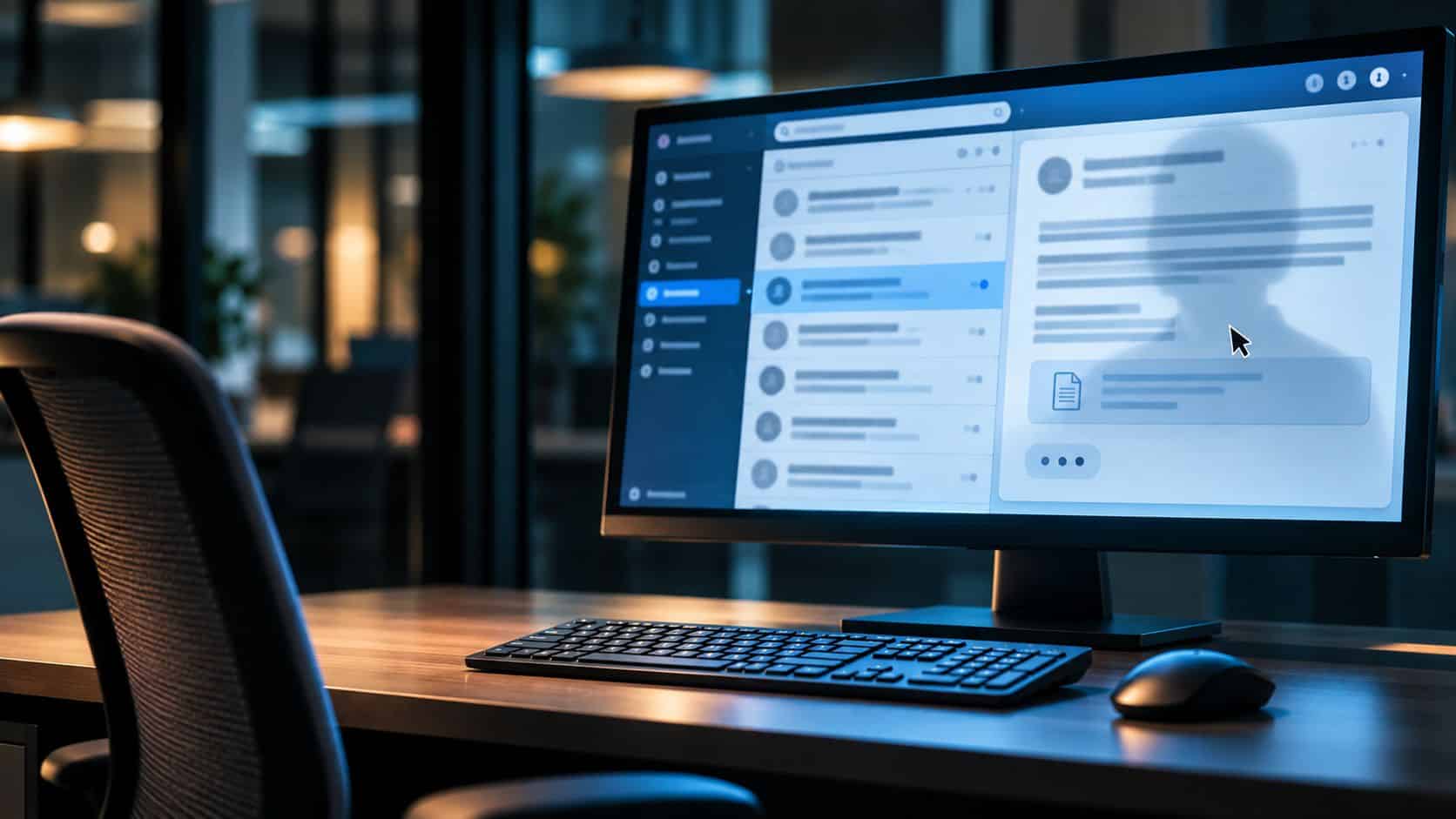
Imagine someone quietly reading your firm’s email for 2 months. They’re watching conversations with clients, reviewing financial documents and learning who communicates with whom. They aren’t sending suspicious messages or triggering obvious alarms. They’re simply waiting for the right opportunity.
And as far as your systems are concerned, they’re an authorized user.
It’s the cybersecurity equivalent of that classic horror movie moment: “The call is coming from inside the house.” Except in this case, the intruder has a valid login and nobody knows they’re there.
Kshitij Kathuria, chief information security officer at Netgain, described an actual account compromise that went undetected for more than 2 months. By the time it was discovered, the attacker had accessed 376 emails and 37 documents, sent messages from the account and deleted others.
For CPA firms, the implications go well beyond one compromised inbox. Staff accounts can provide access to tax records, financial information, client communications and other sensitive data. An attacker operating through a legitimate account may exploit relationships that have taken years to build, all while appearing to be someone the firm already trusts.
Kshitij and Kate Krupey, Netgain’s vice president of CPA Practice, explored this security blind spot in a recent discussion with BDO Alliance USA firms. Their conversation examined how attackers acquire trusted access, why suspicious activity is difficult to recognize and what separates an incident caught in minutes from one that goes unnoticed for months.
Which raises an uncomfortable question for CPA firm leaders: If an attacker were already inside your firm’s systems, how would you know?
When a legitimate login isn’t what it seems
Most CPA firms have spent years strengthening their defenses with multi-factor authentication (MFA), email security and employee training. Those investments remain essential. Unfortunately, attackers have learned to work around some of them.
Kshitij described a familiar scenario: An employee encounters a convincing login page, enters their credentials and approves an expected MFA prompt. Everything appears normal, but the attacker may now have an authenticated session that the system trusts.
Other techniques are even less intuitive. In device code phishing, employees can be tricked into authorizing access through a legitimate sign-in page. Microsoft has documented attacks using this method, which can give criminals access without another MFA prompt.
The implications extend beyond Microsoft 365. As firms connect more applications, data repositories and outside users, legitimate account permissions become valuable targets.
Kshitij stressed that existing defenses still matter. As we’ve explored in examining why MFA alone cannot prevent account compromise, firms also need to recognize when authenticated access is being misused.
An attacker can accomplish quite a bit by doing very little
An attacker who gains access to a trusted account doesn’t necessarily rush to steal information. Sometimes the more profitable approach is to watch, learn and wait for the right conversation.
Kshitij shared several examples of activity that can blend into ordinary business operations:
- Hidden inbox rules: Attackers move selected messages out of sight or mark them as read. A client questioning unfamiliar payment instructions might never receive a response because the employee doesn’t see the message.
- Suspicious sign-ins: In one example, an account was accessed from 4 U.S. states within 4 minutes. Because the connections appeared to originate domestically, a security rule focused only on foreign sign-ins could miss them.
- Unauthorized applications: A malicious application can retain access after the initial compromise. Kshitij described an example involving application permissions that persisted for 6 months.
These tactics are especially concerning for accounting firms because client information doesn’t always stay where the firm’s procedures say it should.
Kate noted that firms provide secure ways to exchange sensitive documents, but clients don’t always use them.
“We give them lots of ways to get us things confidentially,” said Kate, “but we can’t control how they decide to send us things.”
That leaves financial information, tax documents and confidential correspondence scattered across employee mailboxes. An attacker who gains access may discover far more than anyone intended to store there.
2 months versus 4 minutes: What changes?
Kshitij illustrated the importance of response time with 2 account compromises that produced dramatically different outcomes.
In the first, unauthorized access continued for 2 months and 11 days. The attacker accessed 376 emails and 37 documents, sent messages, modified information and deleted 22 emails.
In the second, security monitoring detected the suspicious activity shortly after the logs became available. The account was contained within approximately 4 minutes. The attacker accessed 1 email and 1 document, with no messages sent, modified or deleted.
The difference wasn’t a stronger password.
“Was somebody monitoring anything after the attack happened, and how quickly did someone notice that?” Kshitij asked. “I think that’s the key difference here.”
Consider what followed: The first organization faced hundreds of communications and documents to examine, along with questions about potential data exposure, notification obligations and client relationships. The second had a far smaller investigation.
Kate connected that exposure to a familiar operational problem for CPA firms.
“The more that is exposed, the larger a problem this is, and it becomes a workload of its own,” she said.
Imagine managing that investigation in March, when staff are already juggling client requests and filing deadlines. The cost of an incident isn’t limited to the information accessed. It includes the time required to determine what happened and address the consequences.
Security alerts don’t investigate themselves
Many firms already have tools capable of identifying unusual account activity. But having the capability doesn’t necessarily mean someone is using it effectively.
Kshitij suggested asking whether monitoring features are enabled, configured correctly and assigned to someone who can respond.
“Who’s watching at 3 a.m.?” he asked.
It’s a practical question, particularly for firms with small internal IT teams. An alert that sits unnoticed until the next business day may give an attacker hours to operate.
Kshitij outlined 3 connected responsibilities:
- Detect: Identify behavior that doesn’t fit, such as unusual sign-ins, unexpected forwarding rules or new application permissions.
- Contain: Revoke active sessions and tokens, disable malicious rules or applications and secure the compromised account.
- Investigate: Determine which emails, documents and settings were accessed or changed so the firm can assess its obligations and next steps.
One detail deserves particular attention. “Resetting a password alone will not end the active session,” Kshitij cautioned. Containment may also require revoking the sessions and tokens that allow access to continue.
Someone must have the authority to act, not merely receive the alert.
5 questions CPA firm leaders should be asking
You don’t need to understand every authentication method to hold a productive conversation with your IT team. Start with questions that reveal how well your firm can recognize and respond to suspicious activity.
- What are we monitoring after someone logs in? Are unusual account behavior, application permissions and mailbox changes included?
- Who reviews suspicious activity? Is monitoring continuous, and what happens outside business hours?
- Can we terminate unauthorized access immediately? Does the response process include revoking sessions and tokens, not just changing passwords?
- Could we determine what an attacker accessed? Are logs complete, accessible and retained long enough to support an investigation?
- Who decides what happens next? Are responsibilities for containment, legal review, insurance coordination and client communications documented?
The IRS Written Information Security Plan template offers a useful framework for reviewing safeguards and incident response responsibilities.
Kate also reinforced a straightforward precaution: Independently verify changes to payment or payroll instructions using a trusted phone number. Even a familiar email address isn’t sufficient proof when financial instructions change.
Keep watching after the door opens
Most firms have invested in keeping attackers out. Their next priority should be making sure they can recognize when an account that appears legitimate is being used by someone who shouldn’t be there.
That requires the right controls, meaningful monitoring and people who can respond when something looks wrong.
For a closer look at the attack techniques and response practices discussed here, watch the on-demand Catch It After the Click webinar.
If you’re unsure what activity your firm can currently detect after login, explore Microsoft 365 Identity Defense to see how continuous monitoring, investigation and response can address account compromise before it creates a larger problem.